
When you move to an office, you want your team operational with the least amount of disruption. That means making sure computers, monitors, servers and other essential equipment arrive safely and are ready to be reconnected in the correct location.
A well-executed move helps prevent damage, misplaced equipment and avoiding delays. Here’s how to protect your equipment and make the transition smoother for your business.
Some practical ways to protect your equipment and keep your office relocation organised.
Before packing begins, work with your IT team to identify what needs to move, where it will go and who will manage each stage.
Use a floor plan to map out workstations, printers, servers and networking equipment. Give each workstation or area a clear label, then use that same label on its furniture, devices and accessories.
This gives your movers a practical placement guide and helps your IT team find what they need during setup. When choosing office movers, look for an experienced moving company that understands the planning and coordination involved in commercial relocations.
Agree on a shutdown and reconnection schedule with your IT team before booking the move. Identify which systems your business needs first, and allow time to test them before staff return to work.
Keep responsibilities clear: your IT specialists manage the technical preparation and setup, while your movers coordinate transport and placement. Working to the same schedule helps both teams avoid delays.
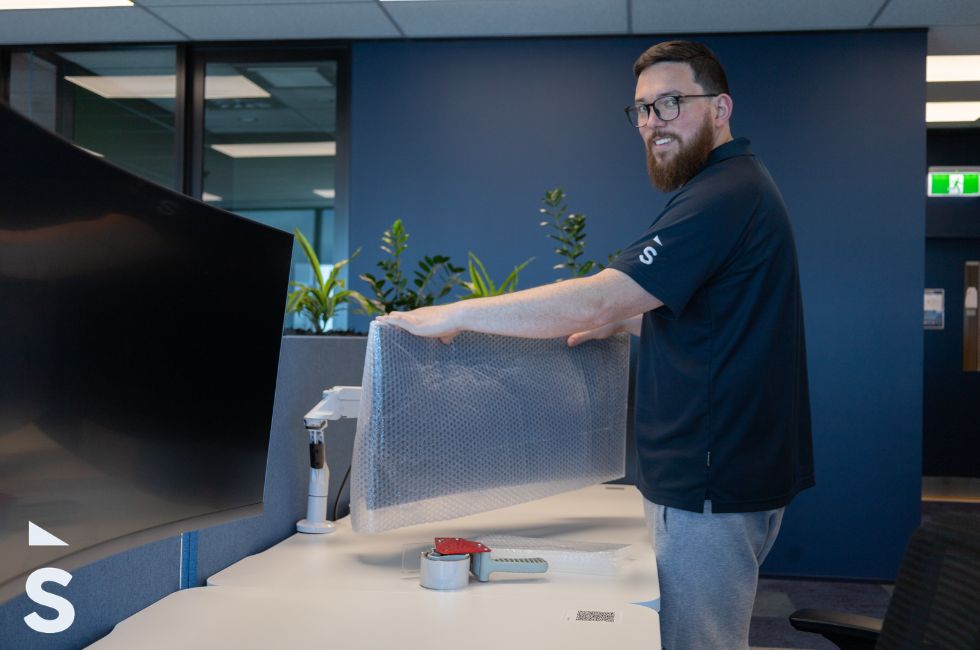
IT equipment needs protection from knocks and movement during transit. Use packaging suited to each item, and discuss fragile or specialised equipment with your moving provider in advance.
Using suitable moving boxes and protective packing materials can help keep smaller IT accessories consolidated and organised throughout the relocation. For particularly valuable or fragile equipment, consider whether it needs additional protective packaging or specialised handling.
Professional packing assistance can also help businesses prepare equipment more efficiently, especially when relocating large offices with multiple workstations.
Knowing how your equipment is covered helps you address any risk before the move.
Check with your insurer what your business policy covers during relocation. Ask your moving provider about their insurance arrangements, terms, exclusions and any requirements for declaring high-value items.
Keep your equipment inventory and condition photos accessible in case you need to refer to them after delivery.
Whether you’re relocating an entire office or arranging furniture delivery for individual items, having a clear placement plan can save time and reduce unnecessary handling.
Your equipment and furniture need to arrive in an order that supports an efficient setup. Positioning desks and storage units first, where practical, can reduce the need to move equipment twice.
Share your floor plan with your movers and confirm building access, lift bookings, loading areas and any delivery restrictions at both locations.
Once everything is in place, check delivered items against your inventory. Your IT team can then reconnect equipment and test the systems your staff rely on.
A successful office move starts with understanding what your business needs to be ready for its first day in the new space.
Smart Express helps Auckland businesses coordinate office relocations, from furniture delivery and individual deliveries to larger moves. Our team can work with you to plan access, organise transportation and place furniture and equipment where they’re needed.
Speak with our experienced commercial moving team today to discuss your IT and office moving requirements. Call Smart Express on 09 22 22 555 or Request a Free Commercial Moving Quote online.

Sign up to our Newsletter and Get in touch today